
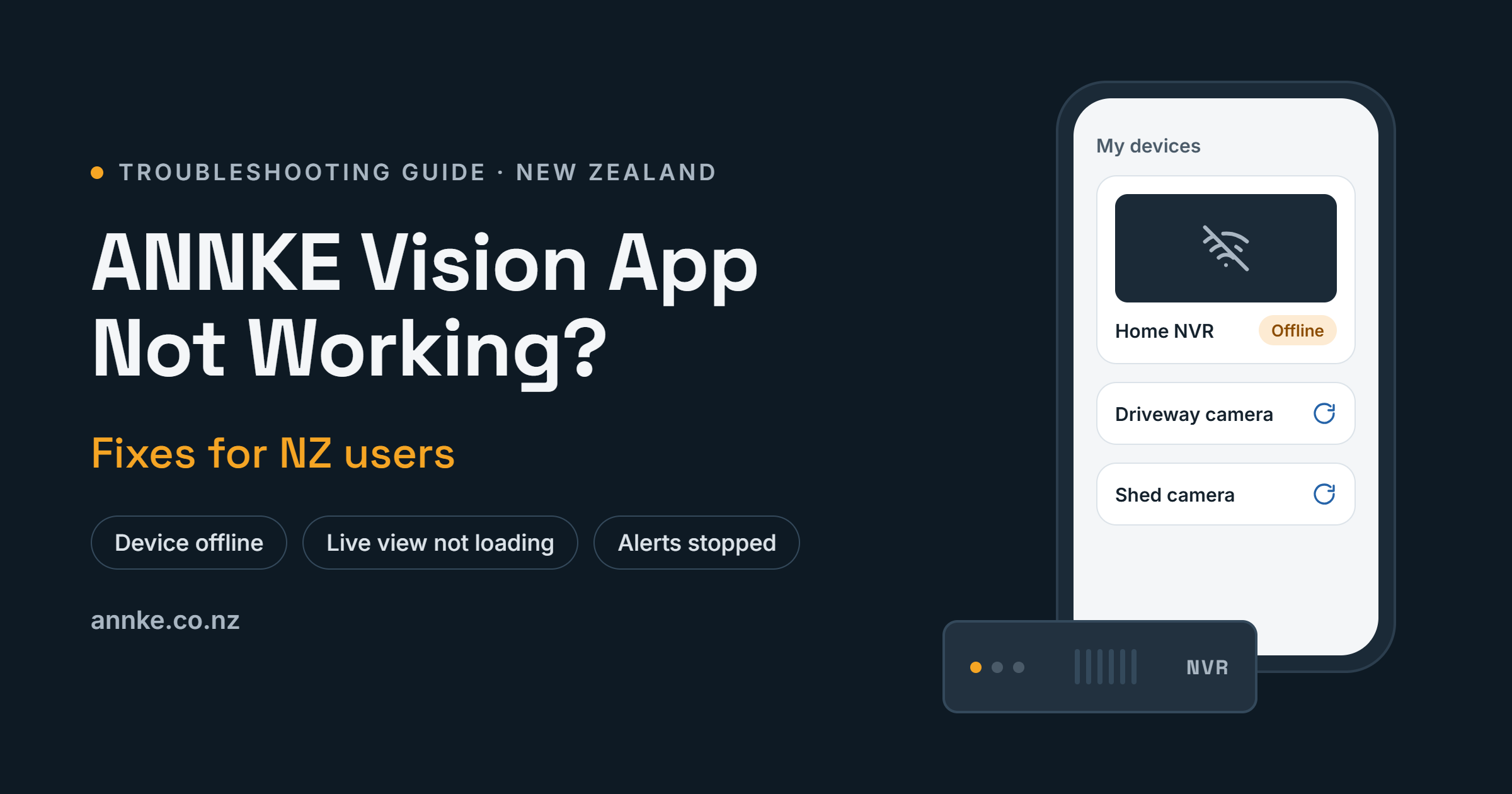
ANNKE Vision app not working? The usual signs are a camera or NVR marked offline, live view that will not load, playback that fails, or motion alerts that stop arriving. This guide covers the most common causes and fixes, from the quickest checks to re-adding your device.
What Is the ANNKE Vision App?
The ANNKE Vision app is ANNKE’s free mobile app for viewing ANNKE NVRs, DVRs and IP cameras remotely. It gives you live view, playback of recorded footage and motion detection alerts on your phone.
The app connects through Cloud P2P, a cloud link between your phone and your ANNKE NVR recorder, usually without any router port forwarding. If either the NVR or your phone loses its internet connection, the app shows the device as offline.
Why Is My ANNKE Vision App Not Working?
- The home internet or router is down, so the NVR cannot reach the cloud.
- Your phone has a weak mobile or Wi-Fi signal.
- The app or the NVR firmware is out of date.
- The device password was changed and the app still holds the old one.
- Cloud P2P access is switched off on the NVR.
- The NVR’s date, time or time zone is wrong.
- A power cut or tripped power supply has left the NVR or router off.
How to Fix the ANNKE Vision App: Step by Step
1. Check the NVR Is Online
Confirm your router has internet and the NVR’s network cable is firmly connected. The ANNKE Vision app offline status stays until the NVR is back online.
2. Restart Your Router and NVR
Switch both off for 30 seconds, then power on the router first and the NVR once the internet is back.
3. Test Wi-Fi and Mobile Data
Open the app on home Wi-Fi, then on mobile data. If it works on one but not the other, the problem is your phone’s connection, not your cameras.
4. Update the App and Firmware
Install the latest ANNKE Vision version from your app store and check for NVR firmware updates. App updates regularly include bug fixes.
5. Turn On Cloud P2P Access
Check that cloud or P2P platform access is enabled in the NVR’s network settings. If it is off, the ANNKE camera not connecting to phone problem continues even with working internet.
6. Correct the Date and Time
Set the NVR’s date, time and time zone to New Zealand time so playback searches find footage at the right hour.
7. Remove and Re-Add the Device
Delete the device in the app, then add it again using the QR code or serial number on the NVR label. Enter the current device password when asked.
8. Reinstall the App
Uninstall ANNKE Vision, restart your phone, reinstall the app and sign back in. Allow notifications when your phone asks.
NZ-Specific Issues to Check
- Rural connections: farms, lifestyle blocks and rural Canterbury properties on fixed wireless or satellite can drop out, leaving ANNKE live view not loading.
- Sheds, gates and driveways: long cable or Wi-Fi runs to outbuildings can lose signal, so check those cameras on the NVR first.
- Storm power cuts: after Wellington wind or a winter storm, check that both the router and NVR have powered back on.
- Daylight saving: NZ clocks change in late September and early April, so check the NVR clock after each change.
- Mobile coverage: patchy 4G outside Auckland, Wellington and Christchurch can make a working camera look offline.
When to Contact Support or Replace Your Camera
If a camera shows no picture even on a monitor plugged directly into the NVR, the fault is likely the camera, cable or recorder, not the app. The same applies if the NVR will not power on or keeps restarting. Contact Annke NZ support with your model number, or browse ANNKE PoE security cameras if you need a replacement.
FAQs
Is the ANNKE Vision app free?
Yes. The ANNKE Vision app is free to download, and live view, playback and motion alerts work with your ANNKE NVR without a monthly subscription.
Does the ANNKE Vision app work on 4G or 5G?
Yes. The app works over mobile data, but a weak signal can make live view slow or show your device as offline.
Can I view my ANNKE cameras without internet?
Not remotely. Viewing away from home needs internet at both the NVR and your phone, although the NVR keeps recording to its hard drive while it has power.
Can phone settings stop ANNKE Vision alerts from arriving?
Yes. Turning off notifications for the app, or battery-saving modes that limit background activity, can stop motion alerts reaching your phone.
Can I share my ANNKE cameras with family?
Yes. The ANNKE Vision app includes device sharing, so family members can view your cameras from their own ANNKE Vision accounts.
Conclusion
An ANNKE Vision app not working is usually caused by the network, power or a setting, not a faulty camera. Work through the fixes above in order, starting with the internet connection and a restart. Once the app reconnects, you can check live view, playback and alerts wherever you have a connection.
 No products in the cart.