
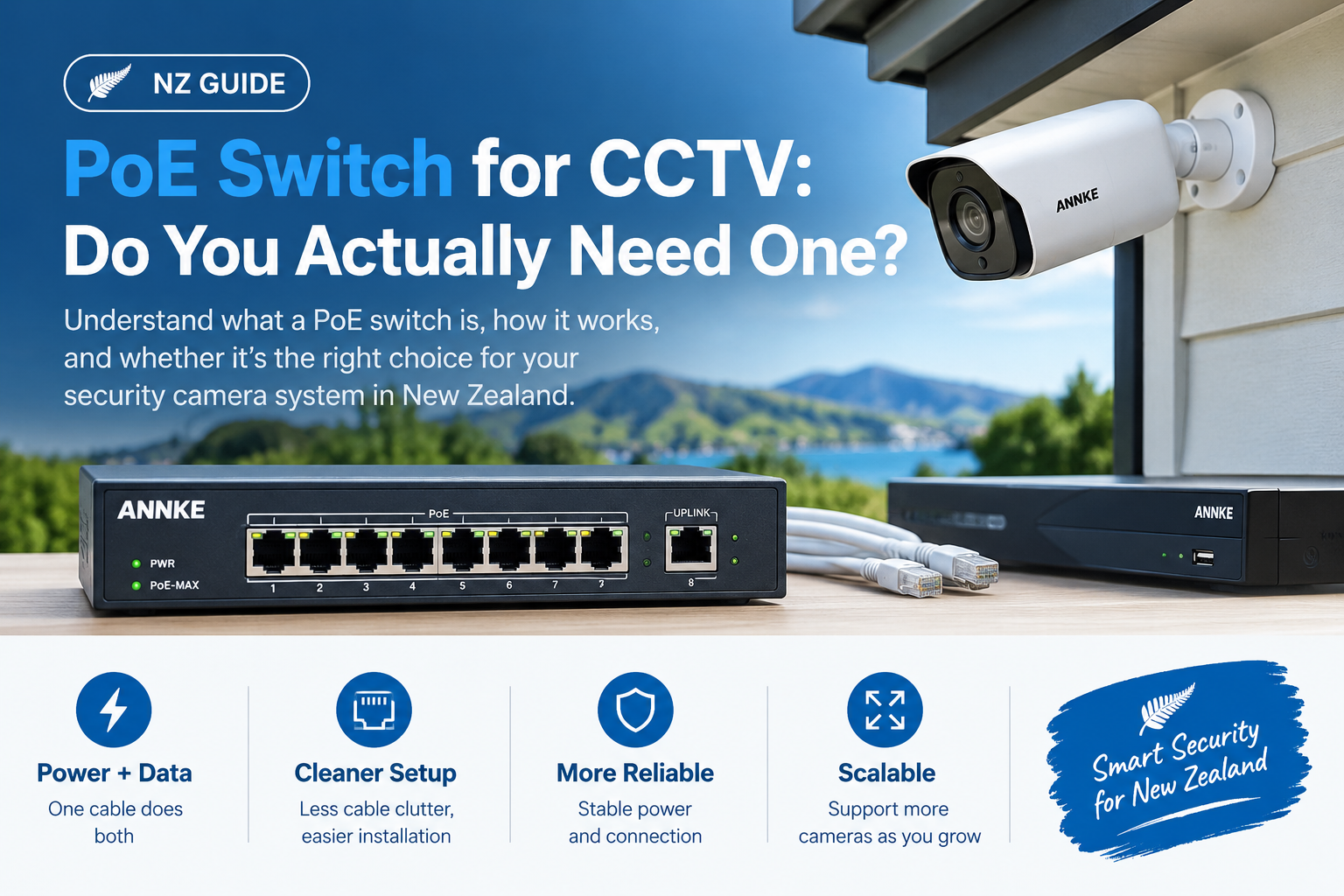
If you’ve started pricing up a security camera system, you’ve hit the term already: PoE. It’s on the camera listings, it’s on the recorder spec sheet, and somewhere in a forum thread someone is insisting you also need a PoE switch for CCTV before anything will work.
Here’s the thing most buying guides won’t tell you up front: a lot of New Zealand homeowners don’t need one. If you buy a PoE NVR kit, the switch is already built into the recorder. Buying a second one is money spent on a box that sits in the cupboard doing nothing.
But there are specific situations — a long run to a sleepout, more cameras than your NVR has ports, a business with cameras spread across two buildings — where a separate PoE switch is the difference between a system that works and one that drops cameras every night. This guide explains what a PoE switch actually does, how to tell which camp you’re in, and how to size one properly if you need it.
What Is a PoE Switch?
A PoE (Power over Ethernet) switch is a network switch that sends electrical power down the same Ethernet cable it uses to carry data. Plug a PoE security camera into one of its ports with a single Cat5e or Cat6 cable, and the camera gets both its network connection and its power from that one cable.
No separate 12V plugpack at the camera. No power point needed under the eave. One cable does both jobs.
That’s the entire value proposition, and it’s why nearly every serious IP camera sold in New Zealand today is a PoE camera. Running one cable to a soffit is straightforward. Running one cable and getting a sparky to put a weatherproof outlet up there is not.
How Does a PoE Switch Work?
A standard Ethernet cable contains four twisted pairs of copper conductors. PoE uses those same conductors to carry low-voltage DC power — typically around 44–57V — alongside the data signal.
The sequence is more intelligent than it sounds:
- Detection. When you plug a device in, the switch sends a low-voltage probe down the line to check whether there’s a PoE-capable device on the other end.
- Classification. If there is, the two negotiate how much power the device needs.
- Delivery. The switch supplies that amount and keeps monitoring it.
This handshake matters. It’s why you can safely plug a laptop, a printer, or a non-PoE device into a proper PoE switch — it won’t push power down a line where nothing asked for it. Cheap “passive PoE” injectors skip this step entirely and blast voltage down the cable regardless, which is how equipment gets fried. More on that below.
The device receiving power (your camera) is called the powered device (PD). The switch supplying it is the power sourcing equipment (PSE). You’ll see both abbreviations on spec sheets.
Do You Need a PoE Switch for CCTV? Start Here
Before comparing models, answer one question: does your recorder already have PoE ports?
Most PoE NVR kits sold for homes and small businesses include a recorder with 4, 8, or 16 built-in PoE ports on the back. That recorder is a PoE switch — it just happens to have a hard drive and recording software bolted on. Cameras plug directly into it, and you’re done.
If that describes your setup and your camera count fits the port count, you do not need a separate PoE switch. Skip it.
Where a standalone PoE CCTV switch earns its place:
1. You’ve run out of ports. You bought an 8-channel NVR, filled it, and now want cameras nine and ten. A PoE switch plugged into your network extends the system without replacing the recorder — provided the NVR still has spare channels (licences), not just spare sockets. An 8-port NVR usually records 8 channels maximum, so check this before buying anything.
2. Your cameras are further than 100 metres from the recorder. Ethernet — and therefore PoE — is limited to roughly 100 m of cable per run. That’s the cable length, not the straight-line distance, and it disappears fast once you account for going up into a ceiling cavity, along a run, and back down. A PoE switch placed in a shed or garage partway along the route resets the clock: 100 m to the switch, another 100 m onward to the camera.
3. Your cameras are spread across buildings. Cameras on the house and cameras on a detached garage or sleepout are much tidier with a small PoE switch in each building, linked back by a single cable (or fibre, for very long or lightning-exposed runs) rather than a spaghetti of individual home runs.
4. Your NVR has no PoE ports. Some recorders — particularly higher-channel-count and rack-mount models — have a single network port and expect you to supply PoE separately. Here a switch isn’t optional.
5. You want the cameras on your main network deliberately. An NVR’s built-in PoE ports usually create their own isolated little network. That’s excellent for security but means the cameras aren’t directly reachable from your LAN. If you want cameras visible to a separate VMS, a NAS recording in parallel, or specific PCs, a PoE switch on your main network gives you that flexibility.
If none of those five apply to you, buy the kit and put the money toward a better camera instead.
PoE Standards Explained: af, at, and bt
Not all PoE is the same, and this is where people get caught. The IEEE defines several power levels, and a switch that supports only the oldest one will not run a modern PTZ camera.
| Standard | Common name | Max power at the switch port | Guaranteed power at the camera | Pairs used |
|---|---|---|---|---|
| IEEE 802.3af | PoE | 15.4 W | 12.95 W | 2 |
| IEEE 802.3at | PoE+ | 30 W | 25 W | 2 |
| IEEE 802.3bt Type 3 | PoE++ | 60 W | 51 W | 4 |
| IEEE 802.3bt Type 4 | PoE++ / HPoE | Up to 90–100 W | 71 W | 4 |
Sources: IEEE 802.3bt-2018 standard; FS PoE standards reference
Notice the gap between the two power columns. A 30 W PoE+ port doesn’t deliver 30 W to the camera — some is lost as heat in the cable run, which is why the standard only guarantees 25 W at the far end. Over a long run with thin cable, that loss is worse.
What this means in practice:
- Standard bullet, turret and dome cameras almost always run happily on 802.3af. Most 4K fixed cameras draw somewhere between 4 W and 12 W, peaking at night when the infrared LEDs fire up.
- PTZ cameras, cameras with built-in spotlights or sirens, and models with heaters or wipers typically need 802.3at (PoE+) or better. Some large outdoor PTZs need 802.3bt.
- Multi-sensor and panoramic cameras — the ones with three or four lenses in one housing — are effectively several cameras in one body and draw accordingly.
Always check the camera’s datasheet for its maximum power draw, not its typical draw. Buy for the peak.
How to Size a PoE Switch Properly
Two numbers matter, and buyers routinely check only the first.
1. Total power budget (not just per-port wattage)
A switch might advertise “8 ports, 30 W per port” — but have a total power budget of 120 W. That’s not 8 × 30 W = 240 W. It’s 120 W shared across all eight ports. Connect eight cameras that each want 20 W and you’re at 160 W, over budget. The switch will start shutting ports down, usually at night when IR kicks in and draw peaks — which is exactly when you need the cameras.
Work it out like this:
Sum of all camera peak wattages × 1.25 (headroom) = minimum switch power budgetWorked example: six 4K turrets at 8 W peak and one PTZ at 24 W = 72 W. Add 25% headroom → you want a switch with a 90 W or greater total PoE budget. A typical 8-port, 120 W switch is comfortable. A 65 W budget switch is not, even though it has enough ports.
The 25% buffer isn’t arbitrary padding — it covers cable losses on long runs, cold-night IR draw, and leaves room to add a camera later without redoing everything.
2. Bandwidth and uplink speed
This is the one people miss. Plenty of budget PoE switches have 10/100 Mbps camera ports and a single gigabit uplink — or, worse, a 100 Mbps uplink too.
A 4K camera streaming H.265 typically uses 6–12 Mbps. Eight of them is 50–95 Mbps of continuous traffic, all of it funnelling through that one uplink port to the recorder. On a 100 Mbps uplink, you’re saturated — and you’ll see it as stuttering live view, dropped frames in recordings, and cameras that show “offline” intermittently.
For anything above four cameras, or any 4K system, buy a switch with a gigabit uplink at minimum. Full gigabit on every port costs a little more and removes the question entirely.
Managed vs Unmanaged: Which Do You Need?
Unmanaged switches are plug-and-play. No configuration, no web interface, no login. For a straightforward home system where every camera feeds one NVR, an unmanaged PoE switch is the right call — fewer things to misconfigure.
Managed switches let you configure VLANs, QoS, port mirroring, and per-port controls. Worth it when:
- You want cameras on an isolated VLAN, separated from your business or home network. This is genuinely good security practice — IP cameras are a well-known weak point, and keeping them off the network that has your accounting PC on it limits the damage if one is compromised.
- You want to remotely power-cycle a frozen camera by toggling its port instead of climbing a ladder. This feature alone pays for itself.
- You’re running a business system where uptime monitoring matters.
There’s a middle ground — “smart” or “web-managed” switches — that offers VLANs and port control without full enterprise complexity. For most small businesses, that’s the sweet spot.
PoE Switch vs PoE NVR vs PoE Injector
| PoE NVR (built-in ports) | Separate PoE switch | PoE injector | |
|---|---|---|---|
| Best for | Standard home/small business kits | Expansion, long runs, multi-building | One or two cameras, retrofit |
| Setup effort | Lowest — plug and record | Moderate | Low |
| Cameras per unit | 4–16, fixed | 4–48+ | 1 |
| Cost per camera | Included in kit | Low at scale | High at scale |
| Network isolation | Built in automatically | Needs a managed switch | None |
| Scales past port count | No | Yes | Poorly |
| Watch out for | Channel licence limits | Total power budget, uplink speed | Passive vs active — see below |
A warning on injectors: a PoE injector is a single-port power inserter you place between a non-PoE switch and one camera. They’re fine for a one-off. But there are two very different kinds sold at similar prices. Active (802.3af/at) injectors do the detection handshake described earlier and are safe. Passive injectors — often sold as “24V PoE” or with no standard listed at all — send voltage down the cable unconditionally. Plug a standards-compliant camera into a passive injector at the wrong voltage and you can destroy it, and that damage typically isn’t a warranty claim.
If a product listing doesn’t state 802.3af, 802.3at or 802.3bt explicitly, treat it as passive.
CCTV PoE Setup: How It Goes Together
- Plan the cable runs first, before buying anything. Measure the actual route each cable takes — up, along, down — not the distance as the crow flies. Keep every run under 90 m of fixed cable to leave room for patch leads at each end.
- Use the right cable. Solid-core Cat5e is the minimum; Cat6 gives you headroom and slightly lower resistance over long runs. For anything exposed to sun, use UV-stabilised external-grade cable — standard indoor cable degrades badly in New Zealand’s UV. For underground runs, use gel-filled direct-burial cable in conduit.
- Mount the switch somewhere dry and ventilated. PoE switches run warm, and a fully loaded one runs hot. A sealed comms cabinet in a hot roof space is asking for early failure.
- Terminate and test each run before mounting the cameras. A cable tester costs less than one trip up a ladder to diagnose a bad crimp.
- Connect cameras to the PoE ports, then the uplink port to the NVR or router. Cameras should pick up an IP address and appear in the recorder’s device list within a minute or two.
- Check power draw under load at night. Most managed switches report per-port consumption. Watch it once with the IR on — that’s your real peak, and it tells you how much headroom you actually have.
- Change every default password and disable UPnP and any remote-access feature you don’t use.
Common Mistakes Worth Avoiding
- Buying on port count alone. Eight ports with a 65 W budget is a four-camera switch wearing an eight-camera badge.
- Adding a PoE switch to an NVR that has no spare channels. Ports and recording channels are different things. Check both.
- Daisy-chaining switches to beat the 100 m limit without planning. It works, but each hop needs power at that location and adds a failure point. Two hops is reasonable; five is a maintenance problem.
- Running camera cable alongside mains cable in the same conduit. This induces interference and, in many cases, breaches wiring standards. Keep separation.
- Assuming “PoE” on a cheap listing means 802.3af. It frequently doesn’t.
- Putting the whole camera system on the guest Wi-Fi network. PoE cameras are wired for a reason — reliability. Don’t undo it at the switch.
Two New Zealand-Specific Things to Get Right
Electrical work. PoE operates at extra-low DC voltage, which is a large part of why homeowners can run camera cabling themselves. The switch’s own plugpack, however, plugs into a standard 230V outlet — and if your install needs a new outlet, a new circuit, or any work on the switchboard, that’s work for a registered electrician. WorkSafe sets out what electrical work you can legally do yourself, and notably, the DIY allowances that apply to owner-occupiers do not extend to rented or workplace premises.
Privacy obligations. If you’re a business, CCTV recording puts you squarely under the Privacy Act. The Office of the Privacy Commissioner’s guidance on privacy and CCTV sets out what’s expected: know your purpose before you install, tell people they’re being recorded (signage that identifies you and gives contact details), collect the minimum you need, and be ready to respond when someone requests footage of themselves. It also advises against recording audio unless you genuinely need it — audio is considerably more invasive and most systems let you disable it. Homeowners have more latitude, but cameras pointed at a neighbour’s property or a public footpath can still land you in front of the Tribunal.
Worth reading before you choose camera placements, not after.
FAQs
Do I need a PoE switch if my NVR already has PoE ports? No. An NVR with built-in PoE ports already contains a PoE switch. You only need a separate one if you’ve run out of ports, need to cover distances beyond 100 m, or want cameras on your main network rather than the NVR’s isolated one.
How many cameras can one PoE switch run? It depends on the total power budget, not the port count. Add up every camera’s peak wattage, add 25% headroom, and make sure that figure is below the switch’s stated PoE budget. An 8-port switch with a 120 W budget comfortably handles eight typical 8 W cameras.
What’s the maximum distance for a PoE camera? Roughly 100 metres of Ethernet cable per run — that’s the standard limit for both data and power. Beyond that you need a PoE switch, a PoE extender, or fibre at the midpoint. Plan to 90 m to leave room for patch leads.
Can I use a normal network switch for PoE cameras? Not on its own — a non-PoE switch carries data but no power, so each camera would need its own plugpack at the camera location. You can add active PoE injectors between the switch and each camera, but past two or three cameras a PoE switch is cheaper and tidier.
What’s the difference between PoE and PoE+? PoE (802.3af) supplies up to 15.4 W per port, guaranteeing 12.95 W at the device. PoE+ (802.3at) supplies up to 30 W, guaranteeing 25 W. Most fixed cameras run on PoE; PTZ cameras, spotlight cameras and heated housings generally need PoE+.
Will a PoE switch work with any IP camera? It works with any camera that supports the same standard — check the camera specifies 802.3af, 802.3at or 802.3bt. Cameras using proprietary or passive PoE may not negotiate correctly. A PoE+ switch is backwards compatible with 802.3af cameras, so buying up a tier is safe.
Does a PoE switch need to be connected to my router? For local recording to an NVR, no — the switch and recorder can run as a closed network. But if you want remote viewing on your phone, firmware updates, or time synchronisation, connect the switch’s uplink to your router.
Unmanaged or managed PoE switch for home CCTV? Unmanaged is fine for a straightforward home system where all cameras feed one NVR. Choose managed if you want cameras isolated on their own VLAN, or the ability to reboot a frozen camera remotely by cycling its port.
The Bottom Line
A PoE switch for CCTV solves three problems well: it powers cameras where there’s no power point, it lets you scale past your recorder’s port count, and it extends your reach across distance and buildings. If you have any of those problems, buy one — and size it on total power budget and uplink speed, not port count.
If you don’t have those problems, a PoE NVR kit already includes everything you need, and the honest recommendation is to put the money toward better cameras or more storage instead.
Not sure which camp you’re in? Start with the PoE security camera range and check the PoE NVR recorders for port and channel counts — or browse the full ANNKE New Zealand store for complete kits with everything matched from the start. If you’re weighing up a specific layout, our team can tell you in a minute whether you need a switch or not.
Further reading: When should you use a PoE switch for your CCTV system? — an installer’s-eye view of the same question.


 No products in the cart.